Curator's Bible
The curator's bible is first and formost, a Bible, but designed with a supportive layout & tools to create, collect, and share the full range of multi-media references.
—
Navigation:
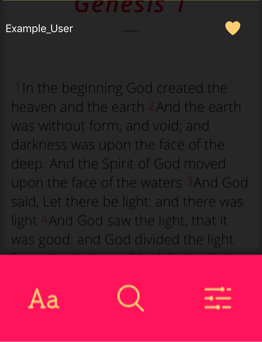
To begin, tap once on the screen to open the options menu.

Now, swipe right-ward to reveal the navigation menu.

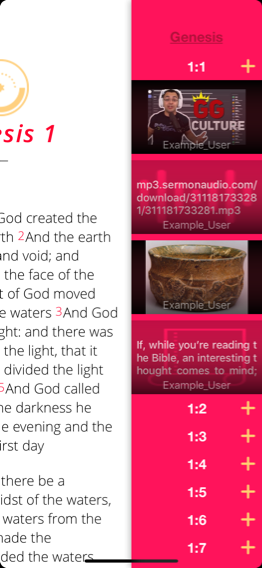
Finally, swipe left-ward to view the content thumbnail list.
—
Pinning media:
Tap on an existing thumbnail, or press one of the '+' buttons to add new content.
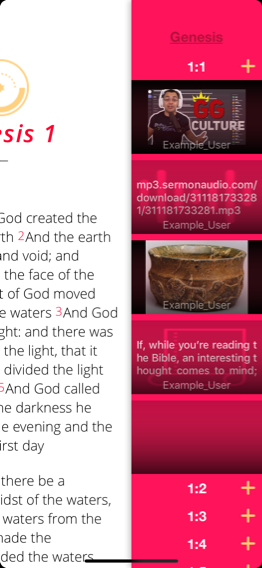
Choose the type of media you'd like to pin. (Such as a note, or video)
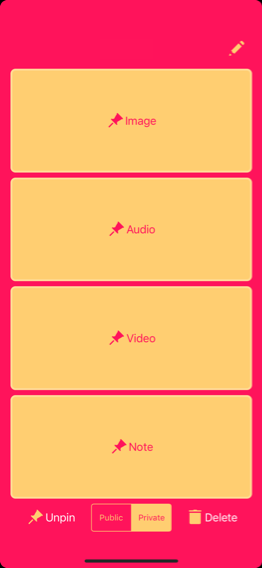
Tap the text box to edit your note or past a link to your media of choice.
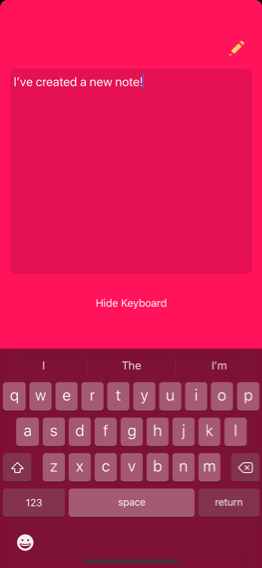
If you'd like to share this content with others, Select the pencil icon to create a username, then set the media to 'Public'.

When you're finished, choose 'Unpin' to save it for later, or 'delete' remove it entirely.
—
Bible search
On the readers screen. Tap anywhere to open the options menu.
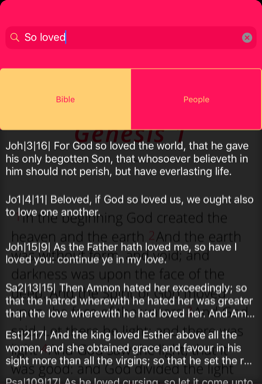
Tap the magnify glass option to open the search menu.
Type in a phrase or series of words in the verse you're looking for.
Then tap the search button to see the results.
—
People search
Change the criteria to 'People'.

Tap the search box.
Type the name of someone you'd like to follow.